
OPay Shield Pay Is Live: The Escrow Service Nigerian Online Shoppers Have Been Waiting For
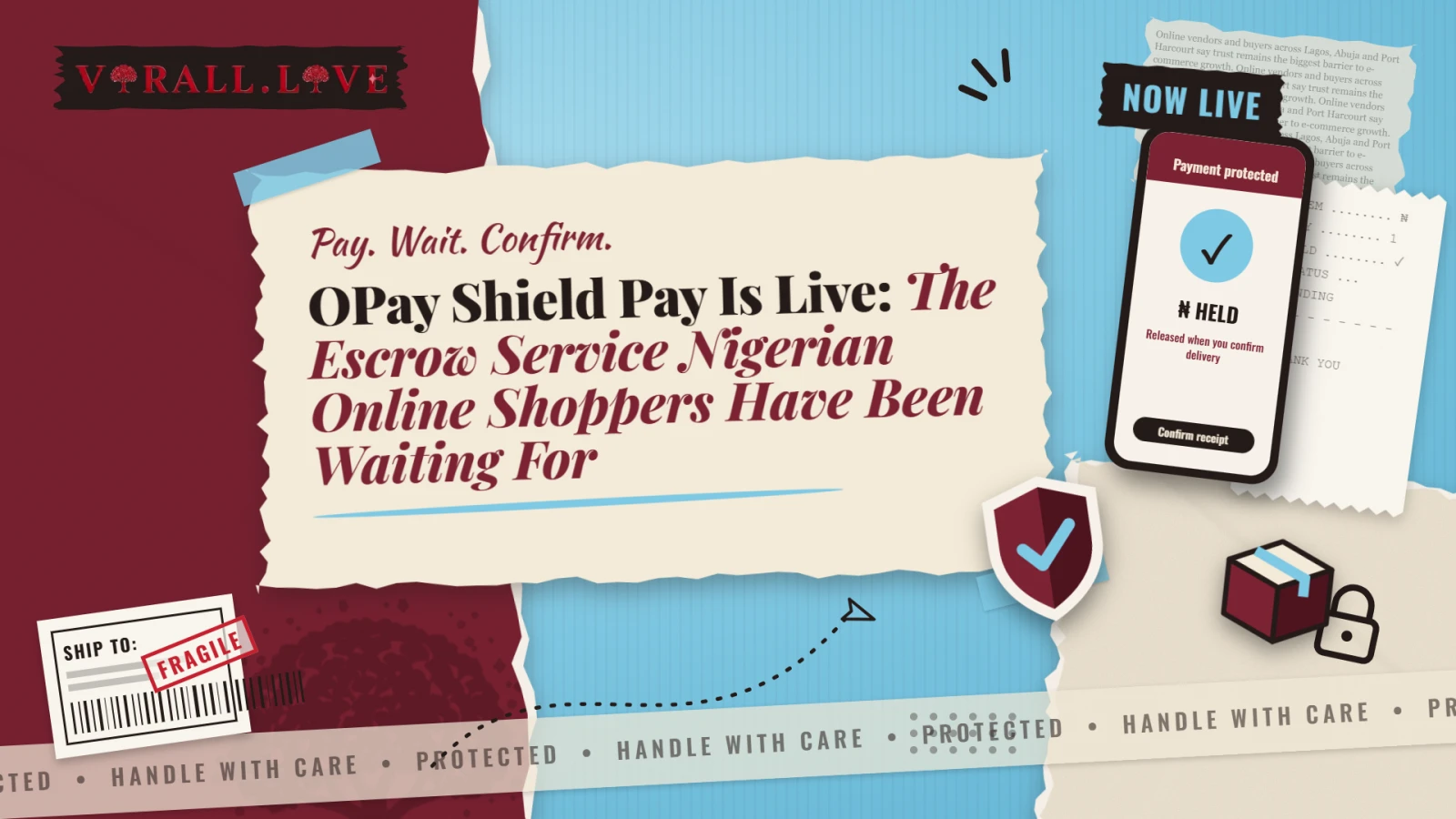
You found the perfect item, sent the money, and then the vendor went quiet. OPay Shield Pay is a new escrow service in Nigeria that holds your payment until your order arrives and you confirm you are happy with it. It started rolling out on November 16, and here is how it works, who can use it, and how to check your app.
Every Nigerian who has shopped online has a story. You see a great deal, you send the money, and then the vendor stops replying. Or the item arrives and it is nothing like the pictures. On the other side, vendors have their own wahala: a customer promises to pay on delivery, the rider shows up, and the customer disappears.
OPay says it has a fix. It is called Shield Pay, and it is an escrow service in Nigeria designed to protect both buyers and sellers.
What Is OPay Shield Pay?
OPay Shield Pay is a payment protection feature inside the OPay app. Instead of sending money straight to a vendor, the buyer pays through Shield Pay, and OPay holds the funds until the item is delivered and the buyer confirms receipt.
OPay announced the feature on its official LinkedIn page on Tuesday, November 10, 2026, alongside a promotional video. Early access opened on Monday, November 16, 2026, for invited and selected users, with a gradual rollout to more accounts.
Why Nigeria Needs an Escrow Service Like Shield Pay
Trust is the biggest problem in Nigeria's online marketplace. Social media vendors, Instagram stores and WhatsApp sellers have made shopping easier than ever, but advance payments carry real risk. When the money has already left your account, all you have is the vendor's word.
An escrow service in Nigeria changes that. The money sits in the middle, safe, until both sides have done their part. That is the idea behind OPay Shield Pay, and it is why this launch matters beyond OPay's own customers.
How OPay Shield Pay Works, Step by Step
Open the OPay app and tap Shield Pay.
Search for the vendor's OPay account.
Enter the amount you are paying. You can also attach pictures of the item so there is a clear record of what you are supposed to receive.
Pay. OPay holds the money while the order is fulfilled.
The vendor delivers. According to a promotional walkthrough, the vendor has three days to deliver once payment is made.
You inspect the item and confirm receipt. You have up to ten days to confirm to OPay that you received it.
The vendor gets paid. Funds are released once delivery is confirmed.
No confirmation, no payout. If an ordered item does not arrive, OPay steps in to help handle the dispute.
Who Can Use OPay Shield Pay Right Now?
Two things to know before you go looking for it. First, the rollout is phased, so not every account has Shield Pay yet. Second, it applies to transactions where both the buyer and the seller hold OPay accounts, so your vendor needs to be on OPay too.
What OPay Shield Pay Means for Vendors
Shield Pay is not only for buyers. Honest vendors lose sales because customers do not trust them enough to pay in advance. Payment already secured with OPay tells a buyer the money is real and the vendor is serious. It also reduces the pay on delivery gamble, where a vendor pays for a rider and gets nothing back.
There is a longer term benefit too. Completed transactions build vendor reviews and credit history, so a vendor who delivers consistently can build a track record buyers can trust.
The OPay Shield Pay Affiliate Program
OPay is also promoting a Shield Pay affiliate and referral program. Affiliates get a dashboard inside the Shield Pay section of the app, where they can track estimated rewards, see how many referrals have activated, and monitor progress through milestones.
A referral counts as successful after three steps: joining through your referral code, getting onto Shield Pay, and making a transaction of at least ₦10,000 on Shield Pay. Rewards depend on the program's terms, so read those before you start sharing your link.
How to Check If You Have Shield Pay in Your OPay App
Update your OPay app to the latest version.
Look for the Shield Pay icon or an invite prompt in the app.
If you do not see it yet, it is likely still rolling out to your account.
Do not confuse it with NightGuard and Large Transaction Shield. Those are separate security features for spending limits and facial verification, and you find them under Account, Security Centre, then Transfer Protection.
What We Still Do Not Know About Shield Pay
Is there a fee for buyers, vendors, or both?
How exactly are disputes judged when a buyer says the item is not as described?
How long do refunds take?
When will Shield Pay open to every OPay account?
Should You Use OPay Shield Pay?
If you buy from vendors you do not know personally, an escrow service like OPay Shield Pay is a welcome step. Attach clear pictures, confirm only when you have inspected your order, and keep an eye on that ten day window. We will update this article as OPay shares more about how Shield Pay works in practice.
OPay on LinkedIn (https://lnkd.in/p/e6grEG4d)
OPay Shield Pay promotional video on YouTube (https://youtu.be/1zwD75Z0Umo)
Instagram reel (https://www.instagram.com/reel/DfsKaeSIZxy/)
Nigeria Startup News (https://www.facebook.com/nigeriastartupnews/posts/opay-has-announced-a-new-shield-pay-feature-for-customers-inviting-selected-user/122194971368862634/).
Source: OPay on LinkedIn (https://lnkd.in/p/e6grEG4d) OPay Shield Pay promotional video on YouTube (https://youtu.be/1zwD75Z0Umo) Instagram reel (https://www.instagram.com/reel/DfsKaeSIZxy/) Nigeria Startup News (https://www.facebook.com/nigeriastartupnews/posts/opay-has-announced-a-new-shield-pay-feature-for-customers-inviting-selected-user/122194971368862634/).
- #opay shield pay
- #opay
- #escrow service in nigeria
- #online shopping nigeria
- #payment protection
- #nigerian fintech
- #buyer protection
- #online vendors nigeria
Discussion
Log in to join the discussion.
- Loading comments…